Carryovers: moving points between meetings (editor)
A carryover continues the treatment of a point (or reviews a follow-up, or moves an agreement) in a later meeting.
The three ways a point moves
- Series policy — Review (default): when a meeting finishes, its unfinished points are offered to the next meeting of the series. Editors accept/discard during meeting creation and on the live screen (Points to continue).
- Series policy — Automatic: same, without asking.
- Manual: from any point, Postpone → Move to another meeting opens the carryover wizard, whichever the policy.
The carryover wizard
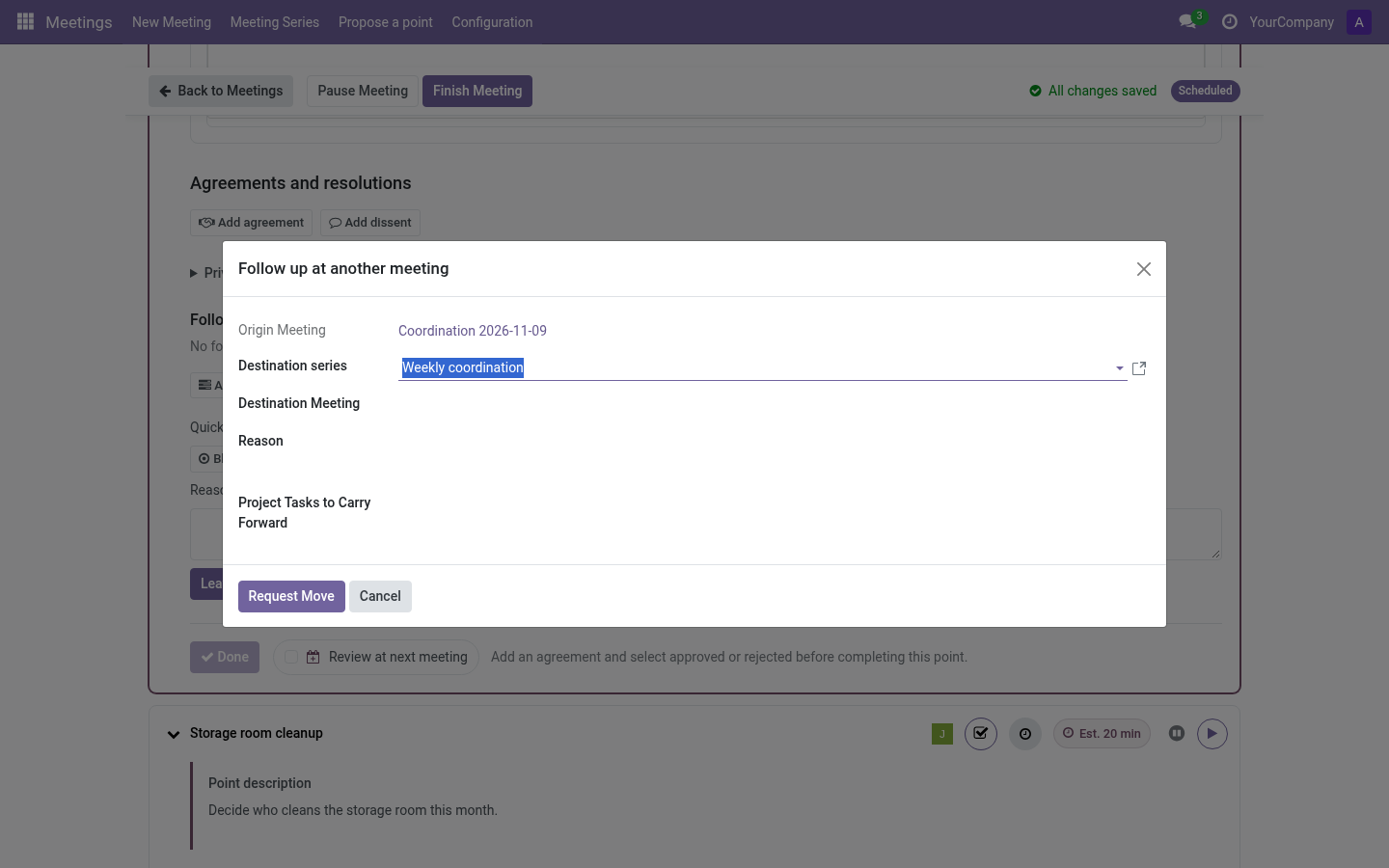
- Destination series (mandatory for agreements/resolutions) or destination meeting (for points and follow-ups).
- Reason — free text; pre-filled with the postponement reason if any.
- With the Project addon: optionally carry linked project tasks (explicitly selected).
The destination meeting’s editors receive it as Points to continue (policy Review) or find it already in the agenda (policy Automatic). The record shows origin meeting, context and who answered.
Move it to another series
A point can outgrow its series (e.g. an operational point that needs a reflective debate). The carryover wizard accepts a destination series:
- Points and follow-ups — pick the destination series, and optionally a concrete meeting of that series; leave the meeting empty and the point is offered at that series’ next meeting.
- Agreements (resolutions) — the destination series is mandatory (they are treated at the series level).
The destination series can be any active series of the same company, so this is the way to move a point out of its original scope.
Accepting / dismissing
- Accept — the point joins the destination agenda as a new participation of the same point (identity preserved).
- Dismiss — the offer is rejected; under policy Review it may be offered again later, Discard in the creation wizard drops it permanently.